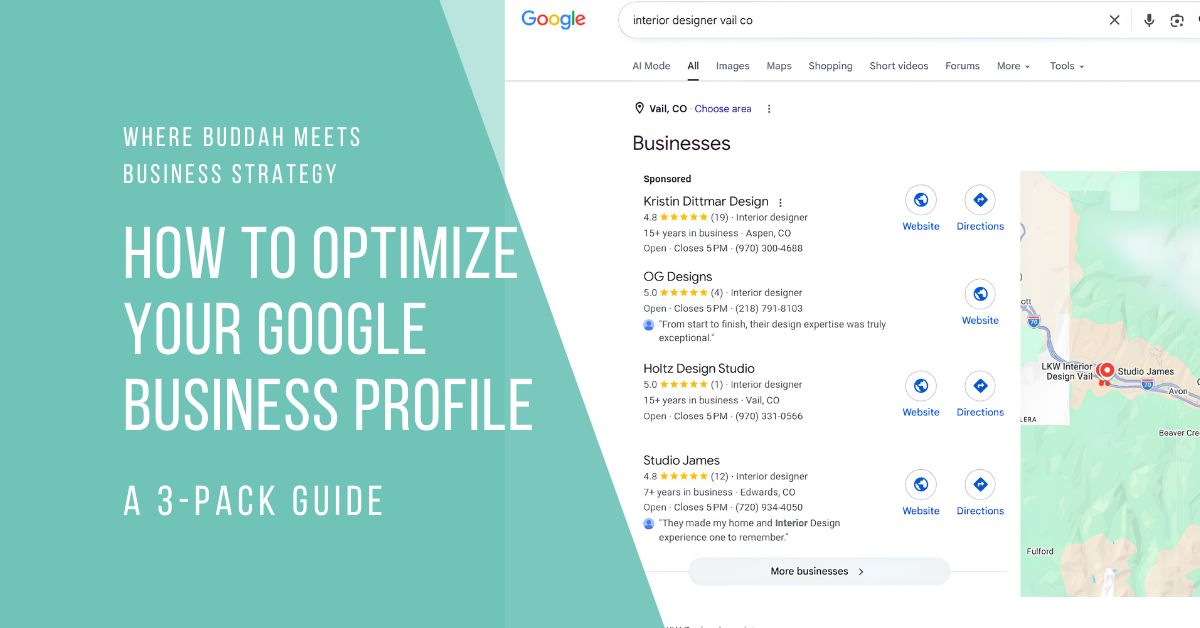
Quick Answer: Getting a Google Business Profile into the 3-pack comes down to a handful of controllable moves, in this order: pick the right primary category, complete every field, add real photos on a regular schedule, post and list your services consistently, and feed your profile the kind of content Google’s AI now pulls from when it answers questions about you directly on Maps. None of it guarantees a top-three spot in a crowded niche, but it maximizes your odds in your own area.
What’s covered in this post:
- Making sure your profile is claimed and verified before you touch anything else
- Category selection, the single heaviest lever in this whole process
- Completing every field, business description through attributes
- Photos and videos that actually move the needle
- Posts and products, keeping your profile active instead of stale
- What replaced Q&A, and what to do about it now
- What optimization can and can’t fix on its own
If you’ve read “The local SEO Playbook” and “What a GBP is” and “Why the 3-pack matters“, you know your Google Business Profile is the foundation and the map 3-pack is the prize. This post is the part where we stop talking theory and start doing the work. These are the exact steps I run for every client before I touch anything else, in the order I run them.
Here’s what we’re covering: category selection, getting every field genuinely complete, photos and videos that earn their spot, posts and products that keep your profile looking alive, an honest update on what happened to the old Q&A feature and what replaced it, and where profile optimization hits a wall it can’t push through on its own.
Before You Start: Claim and Verify Your Profile
Quick gut check before you go any further. If you haven’t claimed and verified your Google Business Profile yet, stop here and go do that first. See this post: “What a GBP is and how to claim it” walks through the whole process, checking whether Google already created a profile for you, claiming it, and getting through verification.
Nothing below this point matters until that step is done. You can’t optimize a profile you don’t control, and every tactic on this page assumes you’re already logged into a verified listing.

Category Selection: Get This Wrong and Nothing Else Matters
Google says it outright in its own guidance: the categories you select affect your local ranking. Not “contribute a little.” Affect it, directly, as one of the ranking factors baked into the system, which is why I fix this before I touch a single other field.
Your primary category should be the single most specific, most accurate description of your core business,
not the broadest one you can find. Google’s own example makes the point well: choose “Nail Salon” over the generic “Salon” if that’s genuinely what you are. Specific beats broad every time, because Google is trying to match a searcher’s intent to the category, not the category to your ego about how many things you do.
Additional categories exist for real departments or services,
not for every keyword you’d like to rank for. A grocery store adding “Bakery” and “Deli” alongside its primary category is the model to follow. Piling on a category for every service you offer dilutes relevance instead of sharpening it, and Google’s guidance explicitly warns against it.
Research your competitors’ categories before you finalize yours.
Search your target keyword, open the map pack listings, and check what primary category each competitor uses (visible on their profile). If every business ranking above you uses “Life Coach” and you’re sitting under “Consultant,” that mismatch alone could be your biggest visibility gap.
One more thing worth knowing: your category assignment can unlock category-specific features. A pizza restaurant with the right primary category can surface for “Restaurants,” “Italian Restaurants,” and “Pizza” searches simultaneously. Get the category right, and you’re not just fixing a ranking signal, you’re widening the set of searches you’re even eligible to show up in.
Complete Every Field
A profile that’s technically claimed but half-filled out is still an unfinished foundation. Every empty field is a small vote against you in a ranking system built on relevance.
Business description and services.
Write your description for two audiences at once: the human deciding whether to call you, and Google’s category-matching system deciding whether you’re relevant to a search. Name what you actually do in plain language, work in the services and communities you serve naturally, and skip the vague mission-statement language that says nothing searchable. In the Services section, list out individual services with real descriptions rather than one catch-all line. This is also, as of the AI answers shift below, some of the exact content Google now pulls from when it answers a searcher’s question about you directly.
Hours and attributes.
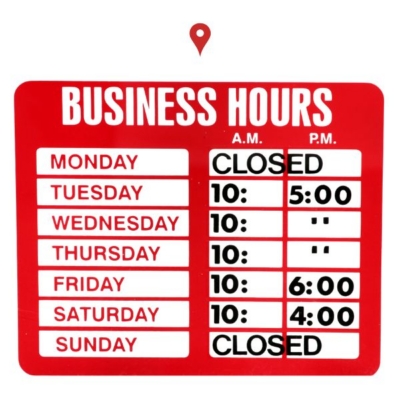
Keep regular hours accurate and set special hours ahead of holidays and closures, an out-of-date “open now” that turns out to be wrong is one of the fastest ways to lose a customer’s trust. Then work through the attributes Google offers for your category: service options (online, in-person, delivery), accessibility features, identity attributes, and more. These are small fields, but they build searcher trust and can filter you in or out of a search that includes a specific requirement, like wheelchair accessibility or online booking.
Photos and Videos That Actually Move the Needle
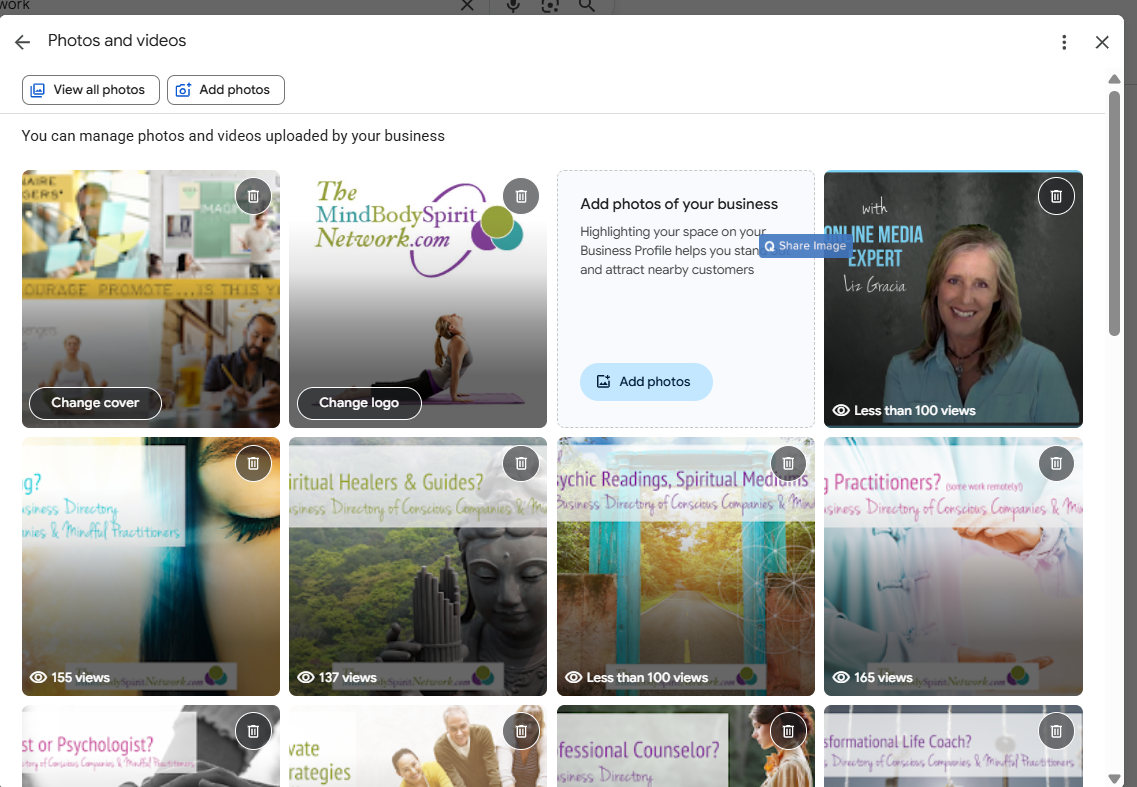
Google’s own guidance is blunt about this: photos help customers recognize and trust your business before they ever set foot inside, and a profile that leans on a generic gray icon instead of real images reads as unmanaged, both to a searcher and, indirectly, to Google’s assessment of how actively you maintain your listing.
What to shoot.
Your storefront or workspace from the angle a customer would actually approach it. Your team, in action, not posed. The work itself, before-and-afters if that fits your business, the space where the service happens. Skip stock photography entirely. It reads as fake because it is, and it tells searchers nothing true about what they’ll actually get.
How often to add new ones.
Monthly, at minimum, and more often if your business has visible seasonal changes (a retreat space that looks different in July than January, a storefront that decorates for local events). A profile that hasn’t added a photo in a year reads exactly like it sounds: abandoned.
Video works the same way and is still underused by most small businesses, which makes it an easy way to stand out from competitors who never bothered.
Posts and Products: Keeping Your Profile Active
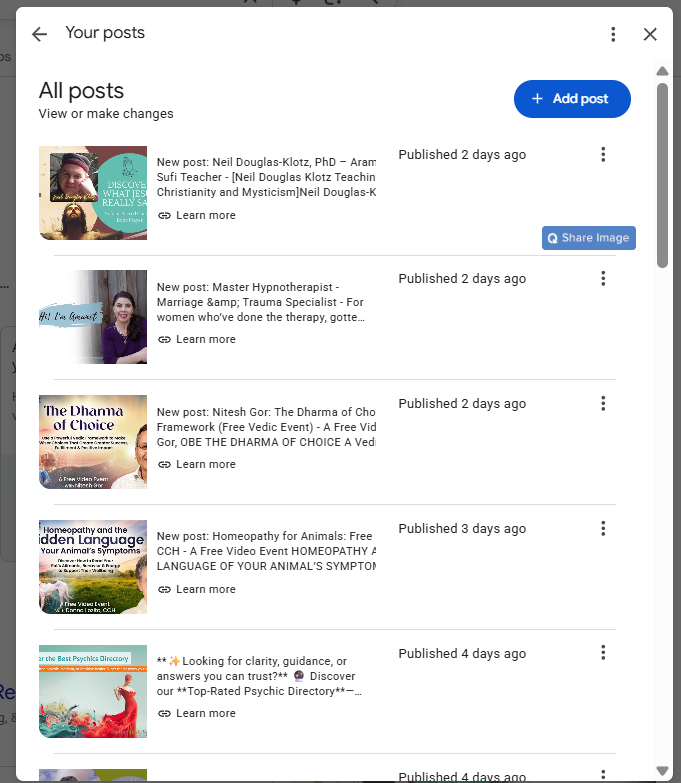
Posts and products are the features most small businesses skip entirely, which is exactly why they’re worth your time. Google gives you three post types: Updates for general news with an optional photo and action button, Offers for time-bound promotions with automatic dates and a “View Offer” button, and Events for anything with a start and end time. Each one is a small, free piece of real estate directly inside your listing.
One detail that trips people up: Google archives posts older than six months unless you set a specific date range, so a post you published once and forgot about eventually disappears from view even if it never violated anything. Posting on a real, repeating schedule, weekly or every other week, beats posting in a burst and going quiet for a year.
Google’s content guidelines are also worth knowing before you write one: no typos or unclear language, nothing that reads as auto-generated filler, no phone numbers inside the post description (it can trigger a rejection), and links only to sites you’d actually trust. Posts go through automated review before they publish, so sloppy copy can cost you the post entirely, not just the polish.
To be direct about what posts do and don’t do: Google hasn’t confirmed posting frequency as a direct ranking factor. What it demonstrably does is keep your profile looking managed instead of dormant, and it gives Google fresh, indexable, keyword-relevant content tied to your listing. That’s not nothing. Products work the same logic in a different format, showcasing what you actually sell or offer before someone clicks through to your site at all.
Q&A Is Gone. Here’s What Replaced It, and What to Do Now
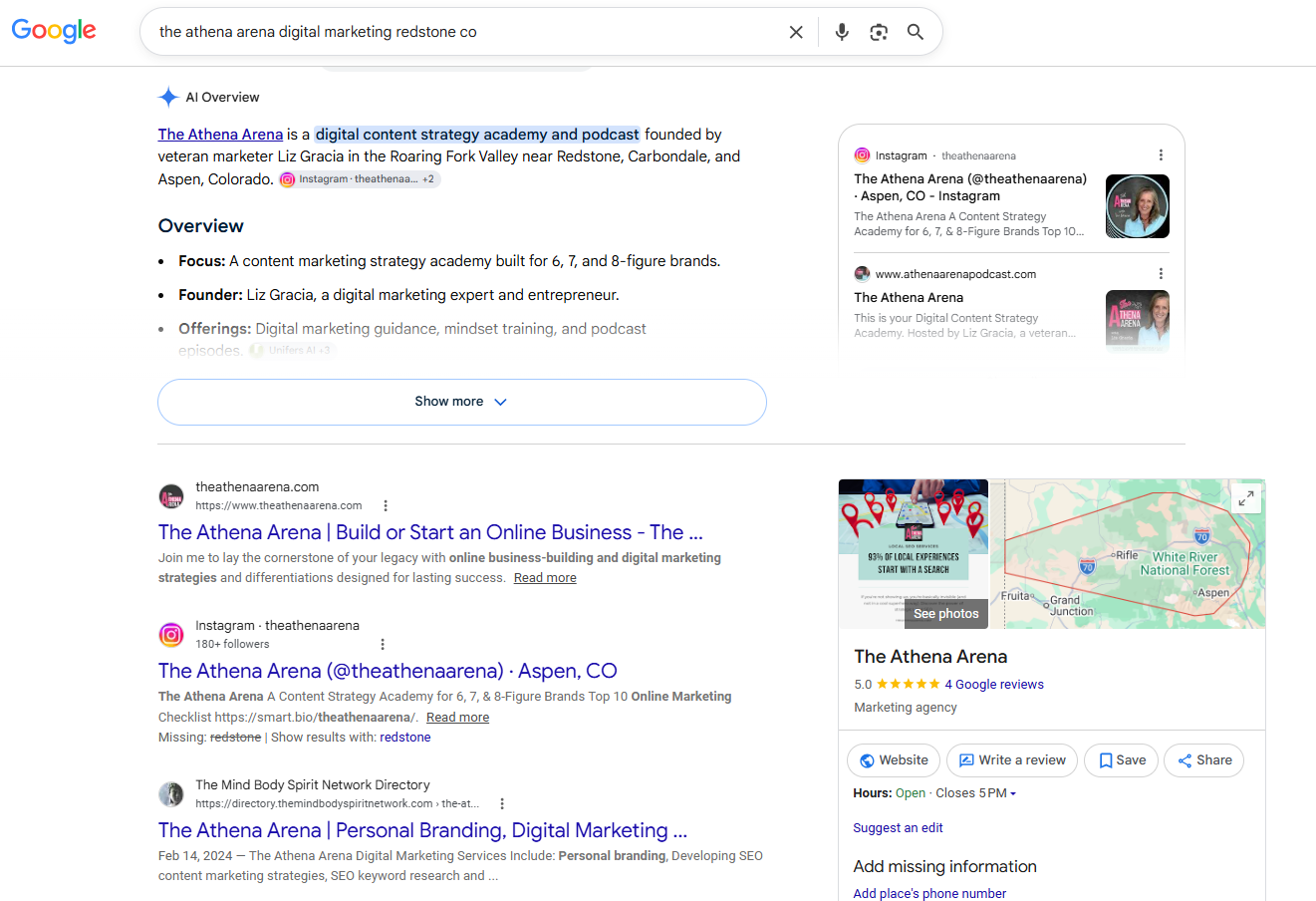
If you’ve read an older local SEO guide telling you to seed your own Q&A section with common questions and answer them yourself, that advice is now out of date. Google discontinued the public Q&A feature on Business Profiles on November 3, 2025. The section where anyone could post a question and any business or user could answer it is gone.
In its place, Google rolled AI-generated answers into its broader Maps AI update: ask a question about a place directly in Maps, and Google synthesizes a response by pulling from that business’s profile details, reviews, and, where available, its website content. There’s no static list of user-submitted questions anymore. There’s a real-time answer generated from whatever data you’ve actually put into your listing.
That changes what “managing Q&A” even means. You can’t seed questions anymore, but you can control the raw material the AI pulls from. Here’s what that looks like in practice.
Write your business description and services like a genuine FAQ answer key.
If people commonly ask whether you take walk-ins, whether you offer virtual sessions, what neighborhoods you serve, or what’s included in a session, that language needs to live somewhere on your profile in plain terms, not buried in marketing copy.
Build out a real FAQ section on your own website.
Google’s AI answers pull from your site too, not just your profile. A thorough, well-structured FAQ page is now doing double duty: helping human visitors and feeding the exact system that used to run on public Q&A.
Keep responding to reviews, thoughtfully.
Reviews are part of what the AI draws on, which means a review response with real, specific detail in it (what you fixed, how long a service took, what a first-timer should expect) is now doing some of the work an answered Q&A question used to do. Here’s how to get more Google reviews without breaking Google’s rules.
The bottom line: a complete, specific, current profile isn’t just an SEO checkbox anymore. It’s the source material an AI system is actively pulling from to answer questions about your business on your behalf, whether you’re in the room or not.
What Optimization Can (and Can’t) Fix
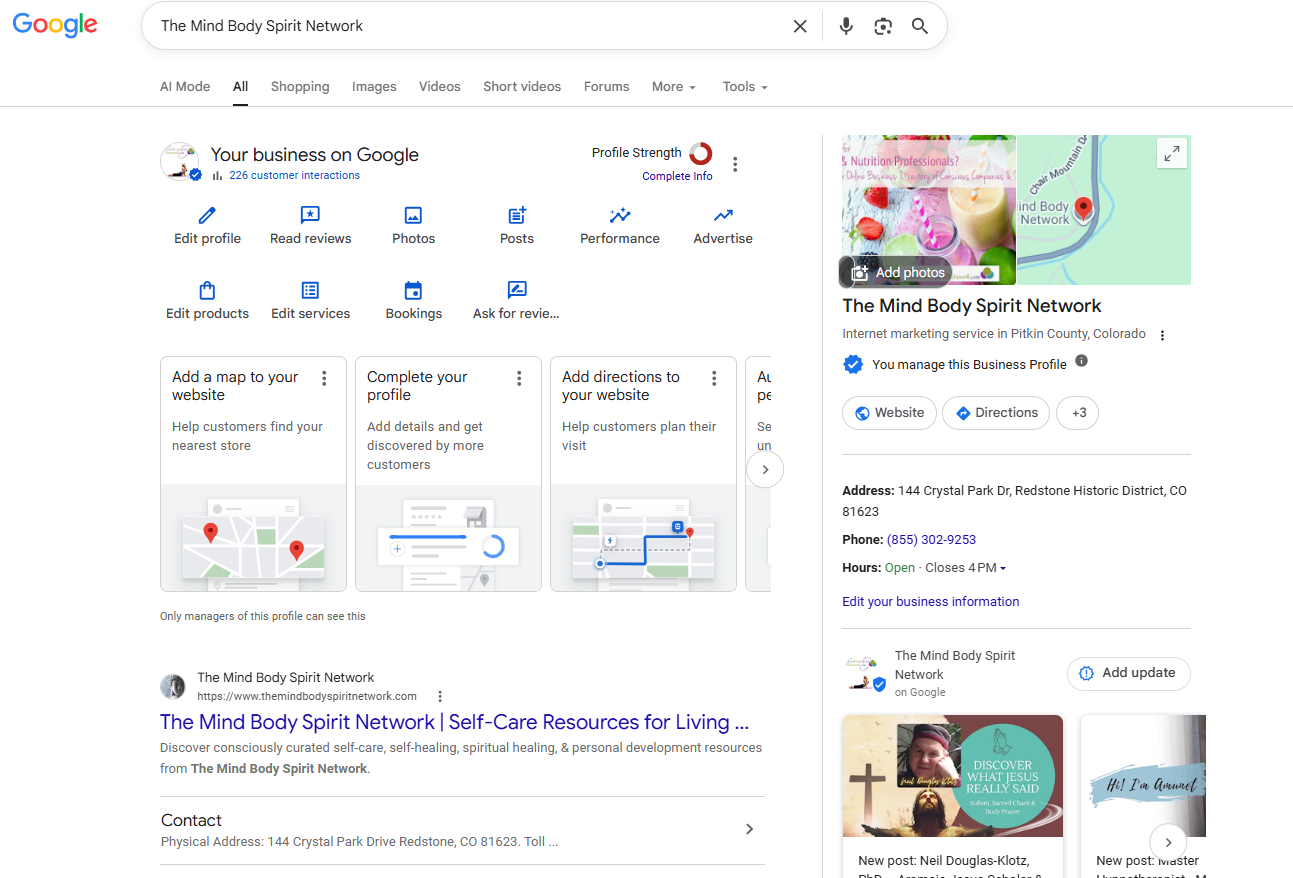
Here’s the honest part. Everything above maximizes your odds of winning the map pack in your own business’s immediate area. It does not extend your reach into towns outside your GBP’s radius, and Google names distance as one of only three core local ranking factors, alongside relevance and prominence. A perfectly built profile in Carbondale is not going to out-rank a local competitor’s listing in Vail. That’s not a flaw in your setup. It’s how the system is built.
It also won’t hand you a guaranteed top-three spot in a genuinely saturated niche. If ten well-established competitors are already fighting over the same three slots, profile optimization improves your position in that fight, it doesn’t win it outright by itself.
Reaching searchers outside your map-pack radius, or without a physical storefront in every community you serve, is a separate, content-driven strategy: dedicated, genuinely useful pages built for the specific towns you want to reach, ranking organically instead of leaning on the map pack’s proximity bias.
FAQs
How long after optimizing until I see 3-pack movement?
There’s no fixed timeline, and anyone who promises you an exact number of days is guessing. In practice, expect weeks rather than days for Google to reflect changes, and longer in competitive niches. Category changes in particular can trigger a re-verification step, which adds its own delay. Consistency matters more than speed here, keep the profile current and keep adding to it rather than treating this as a one-time fix.
Does posting regularly actually help rankings?
Google hasn’t confirmed post frequency as a direct ranking factor. What it clearly does is keep your profile looking active and current, both to searchers deciding whether to trust you and to Google’s broader read on whether your listing is maintained. Treat posts as a supporting habit, not a silver bullet on their own.
What if I don’t have a physical storefront?
You can still have a fully optimized Google Business Profile as a service area business, but the same distance limitation applies to the area you’re eligible to serve. Reaching communities outside that radius takes a separate content strategy built around those specific towns. [Coming soon, post: “Service Area Business SEO”] breaks down exactly how.
What happened to the Q&A section on my profile?
Google discontinued it on November 3, 2025. It’s been replaced by AI-generated answers that pull from your profile, your reviews, and your website when someone asks a question about your business directly in Maps. You can’t seed questions anymore, but a complete profile and a solid FAQ page on your own site now do that job instead.
Want a Second Set of Eyes on Your Profile?
Every step above is something you can do yourself. Most business owners get partway through, the category and the basic fields, and then the profile goes quiet because life happens and photos, posts, and reviews fall off the list. If you want an honest read on where your Google Business Profile actually stands right now, and exactly what’s holding it back from the map pack, that’s what a Free Google Business Profile & Map Ranking Audit is for. No pitch, no pressure, just a real look at your listing and what fixing it would take.
Sources & Citations
This post draws on Google’s own current documentation for Business Profiles, plus current industry reporting on the November 2025 Q&A discontinuation, which as of this writing has no dedicated Google support-page announcement of its own.
1. Google Business Profile Help — Improve your local ranking on Google
https://support.google.com/business/answer/7091?hl=en
Google’s official explanation of the three local ranking factors, relevance, distance, and prominence.
Supports: the “What Optimization Can (and Can’t) Fix” section and its FAQ.
2. Google Business Profile Help — Manage your business category
https://support.google.com/business/answer/7249669?hl=en
Google’s official guidance confirming categories affect local ranking, and how to choose primary vs. additional categories.
Supports: the Category Selection section.
3. Google Business Profile Help — Manage your Business Profile photos & videos
https://support.google.com/business/answer/6103862?hl=en
Google’s official guidance on how photos and videos build customer trust and recognition.
Supports: the Photos and Videos section.
4. Google Business Profile Help — Create & manage posts on your Business Profile
https://support.google.com/business/answer/7342169?hl=en
Google’s official guidance on post types (Updates, Offers, Events), the 6-month archive rule, and content requirements.
Supports: the Posts and Products section.
5. Footbridge Media — Google Business Profile Q&A Is Going Away
https://www.footbridgemedia.com/marketing-tips/google-shutting-down-gbp-q-a
Reporting on the November 2025 discontinuation of the public Q&A feature and its replacement with AI-generated Maps answers.
Supports: the “Q&A Is Gone” section and its FAQ.
6. AlternativeTo — Google Maps launches AI Ask Maps update
https://alternativeto.net/news/2026/3/google-maps-launches-decade-s-biggest-update-with-ai-ask-maps-and-immersive-navigation
Reporting confirming the “Ask Maps about this place” AI feature that replaced the standalone Q&A section.
Supports: the “Q&A Is Gone” section.
Discover more from The Athena Arena with Liz Gracia
Subscribe to get the latest posts sent to your email.

[…] the work is to optimize your profile fully, keep NAP consistency (name, address, phone) across the web, and keep earning Google reviews. […]