I’ve worked with small business owners since 2009, and the hardest thing to get from them has always been content. Not because they have nothing to say. Because they’re running the business, and the blank page loses every time.
AI changed that, for them and for me. I now run four brands as a solo CEO, and the tools below are the reason that’s possible. This isn’t a list of 50 shiny apps. It’s the short stack I actually use every week and recommend to clients.
Quick answer: The best AI tools for small business cover five jobs: an AI assistant for writing and strategy (I use Claude), an SEO tool (Surfer SEO), video and audio tools (Descript, ElevenLabs, Pictory, ToastyAI, Breakout Clips), social and lead tools (Tailwind, SmarterQueue, ManyChat) and a design tool for lead magnets (Typeset, Canva). Start with one assistant and a brand voice guide, then add one tool per job.
What’s covered:
Disclosure: some links in this post are affiliate links. If you buy through them, I may earn a commission at no extra cost to you. I only recommend tools I use in my own business.

How I Choose AI Tools (Strategy First)
Most people pick AI tools backwards. They see a demo, sign up, and then go looking for a job for it to do. Six months later they’re paying for a dozen subscriptions and still staring at the blank page.
I start with the job. What has to get done every week to keep the business visible? Write. Get found. Show up on video. Stay in front of people on social. Turn followers into leads. Then I pick one tool per job, and only keep it if it saves real hours.
The rule I live by: you guide the AI, the AI doesn’t guide you. The tools are the engine. Your strategy and your voice are the steering wheel. Skip that part and you get content that sounds like everyone else’s.
Photo by Ketut Subiyanto on Pexels

AI Tools for Writing and Strategy
Claude: the center of my marketing system
If you only pick one AI tool, make it a strong assistant you can teach. Claude is mine. It drafts blog posts, newsletters and social posts, helps me plan content strategy, and works through keyword research and page structure with me.
The difference-maker is setup. Give it your brand voice guide, your offers and your audience, and it stops sounding like a robot and starts sounding like you. That setup is the heart of the AI Marketing Operating System I build for clients.
HoppyCopy: email and copywriting with personality
HoppyCopy is built for marketers, and it shows. I use it for email campaigns and punchy copy. My favorite feature is the Hooks tool, which gives you a variety of hook styles to test. The quote hooks are a personal favorite for newsletter openers.
Want more writing help? See my guide to AI writing tools.
Photo by Andrea Piacquadio on Pexels
AI Tools for SEO
Great content that nobody finds is a diary. SEO tools tell you what your future clients are already searching for, so you write the posts they’re looking for.
Surfer SEO: the easiest place for individuals to start
Surfer SEO helps you plan and optimize content as you write: which keywords and topics to cover, how long to go, and how your draft stacks up against the pages already ranking. For a solo business owner, it’s a friendlier starting point than the big enterprise suites.
Semrush: the deep research tool
When I need the full picture (keyword volumes, competitors, where a site ranks), I use Semrush. It’s the engine behind the organic side of every local visibility audit I run. More than most solo owners need, but powerful when you’re ready.
SEO now includes AI search too. If you want to show up in ChatGPT and Google’s AI answers, read AEO and GEO explained.
AI Tools for Video and Audio
Video used to be the thing I avoided. Editing felt like a second job. These tools turned it into something I actually enjoy.
Descript: edit video like a document
Descript transcribes your recording, then lets you edit the video by editing the text. I love it for recording my screen and myself at the same time. The teleprompter and eye contact correction mean I can read a script and still look at the camera.
Breakout Clips: long-form to short-form in three clicks
Breakout Clips turns your long videos into scroll-stopping short clips and video ads for Instagram, LinkedIn, Facebook and TikTok, with no editing skills needed. It really is about three clicks. One webinar or podcast video becomes a month of short-form content.
ElevenLabs: your voice, on demand
ElevenLabs creates realistic AI voice-overs and voice clones. I’ve cloned my own voice a few times, and it keeps getting better as I train it. It isn’t perfect yet (it can drop flat at the end of a sentence), but it’s improving fast. Great for audio versions of posts and video narration.
Pictory: turn posts into videos
Pictory turns blog posts, scripts and long videos into short, captioned videos with AI narration. It’s an easy way to get more video out of content you’ve already written.
ToastyAI: one podcast episode, a week of content
ToastyAI is AI trained on your podcast. It turns each episode into show notes, transcripts, blog posts, social posts and video clips. If you podcast, this is how one recording feeds your whole content calendar.
Photo by RDNE Stock project on Pexels

AI Marketing Tools: Your Unfair Advantage in the Digital World
Sign up below for The Solopreneur's Guide to Using AI Tools to Build a Successful Online Business
AI Tools for Social Media and Leads
Visibility is a consistency game. These tools keep you showing up when you’re busy doing the actual work.
Tailwind: Pinterest and Instagram on autopilot
Tailwind schedules your posts, suggests posting times and writes captions in your tone. My favorite trick: feed it a blog post URL and it creates a batch of on-brand social posts and images to choose from. Time-saving, brand-preserving gold.
SmarterQueue: evergreen content that keeps working
SmarterQueue recycles your best evergreen posts automatically and includes an AI caption writer, so your strongest content keeps reaching new people without you reposting by hand.
ManyChat: turn DMs into leads
ManyChat automates conversations on Instagram, Facebook Messenger and WhatsApp. It answers common questions, captures emails and follows up with leads around the clock. Read my ManyChat guide for Instagram growth.
Interact: quizzes that grow your list
Quizzes are one of the most engaging lead magnets around. Interact makes it easy to build one that segments your audience and points each person to the right offer.
AI Tools for Design and Lead Magnets
Typeset: ebooks and lead magnets without a designer
Typeset turns an idea or a blog post into a polished ebook, report or slide deck. No design skills needed. It’s my go-to when I need a professional lead magnet fast.
Canva: brand consistency everywhere
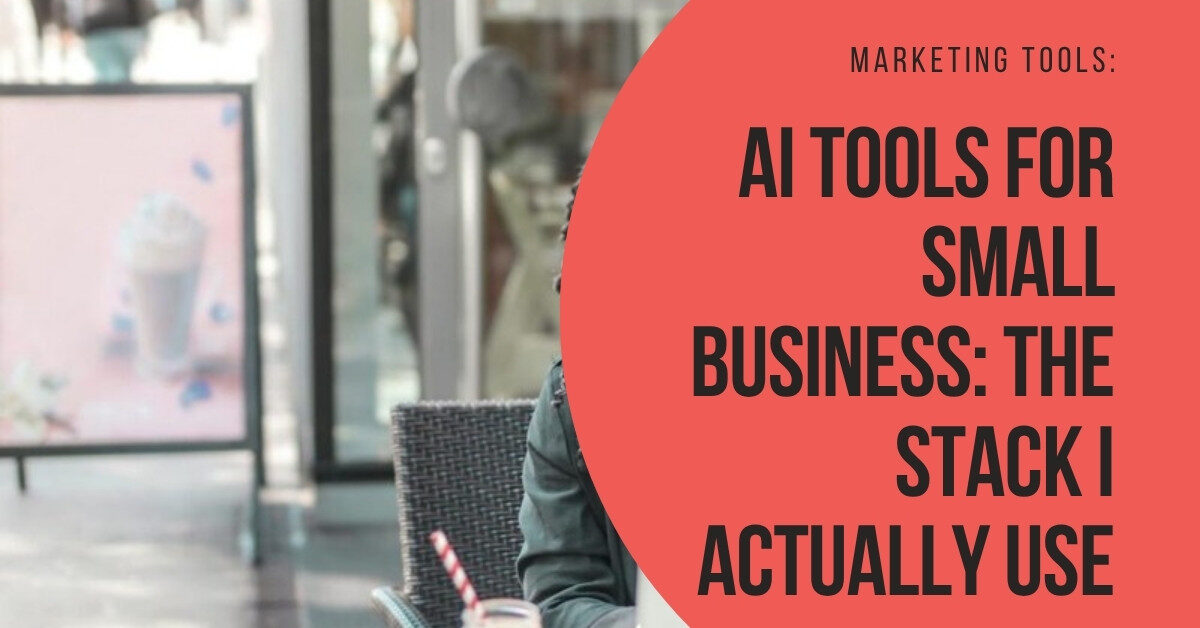
I build most of my brand image templates in Canva, including the cover on this post. Its AI features help keep every graphic on-brand, and I’ve had fun using it for short video clips with AI voice-overs.
My AI Stack at a Glance
| Job | Tool | What I use it for |
|---|---|---|
| Writing and strategy | Claude | Drafts, planning and research in my voice |
| Copywriting | HoppyCopy | Email campaigns and hooks |
| SEO | Surfer SEO, Semrush | Keywords, content optimization, rankings |
| Video | Descript, Breakout Clips, Pictory | Recording, editing, short clips and posts into videos |
| Voice and podcast | ElevenLabs, ToastyAI | Voice-overs and repurposing episodes |
| Social | Tailwind, SmarterQueue | Scheduling and evergreen recycling |
| Leads | ManyChat, Interact | DM automation and quiz funnels |
| Design | Typeset, Canva | Lead magnets and brand graphics |
Want the non-AI side too (hosting, email platform, website)? See my full list of marketing tools for small business.
Every AI Tool Needs Your Brand Voice
Here’s the truth no tool demo will tell you: AI is only as good as the direction you give it. Two business owners can use the exact same tools and get completely different results. The one with a clear brand voice gets content that sounds like a real person. The other gets beige.
Before you add another subscription, write down how you sound. Your favorite phrases. The words you’d never use. The feeling you want people to have after reading you. Then hand that to every tool in your stack.
Start here: why your AI content needs a brand voice (and how to create one). If you’re a coach or practitioner, read how to make AI speak your soul’s language.
Want a shortcut? Get The Human Touch.
My ebook and workbook, The Human Touch: Craft Your Brand Voice for Authentic AI Content, walks you through defining your tone, values and message pillars, then turns them into a reusable voice style guide and prompts that teach AI to sound like you. It’s $39, and if one client hires you because your content finally clicks, it’s paid for itself many times over.
Tools amplify you. They can’t replace you. That’s where Buddha meets business strategy.
Photo by Nataliya Vaitkevich on Pexels
AI Tools for Small Business: FAQs
What is the best AI tool for a small business?
A strong AI assistant you can train on your brand voice. I use Claude at the center of my marketing. Every other tool on this list plugs into the content it helps you create.
How many AI tools does a small business need?
Fewer than you think. Start with one assistant plus one tool for the job that eats most of your time, whether that’s video, social or SEO. Add more only when a tool clearly saves you hours.
Are AI tools expensive?
Most of the tools here offer a free plan or a free trial. Test first, then pay for the ones your business depends on.
Will AI content hurt my SEO?
Not if it’s helpful, accurate and sounds like a real expert. Google cares about quality, not whether you had help. Content that’s generic or wrong is the problem, AI or not. Always review and add your own experience.
Can AI write in my voice?
Yes, with direction. Give it a brand voice guide, examples of your writing and clear rules, then edit every draft until it sounds like you. The Human Touch walks you through building that guide step by step.
Want Your AI Stack Set Up for You?
Picking the tools is the easy part. Connecting them into a system that writes in your voice, publishes on schedule and turns readers into clients is where most business owners get stuck.
That’s exactly what my AI Marketing Operating System does. I build your brand voice, content workflows and tool connections so your blog, newsletter and social keep moving while you run your business.
See you in the arena,
Liz
Discover more from The Athena Arena with Liz Gracia
Subscribe to get the latest posts sent to your email.

Leave a Reply